Why two identical-looking accented names can compare differently on a screen
A name with an accent can look identical in two files while being stored as different character sequences. That is a text-handling issue, not evidence that one family's spelling is wrong. Understanding the distinction helps you report a digital problem accurately without changing a chosen name or assuming every official system accepts the same characters.
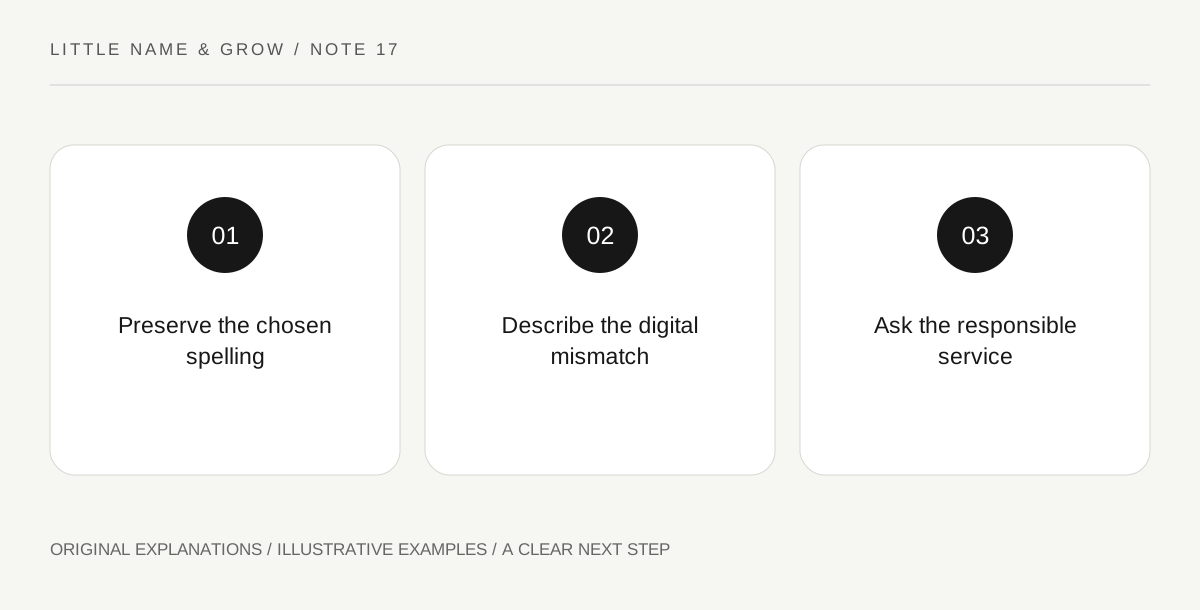
Original explanatory diagram. Read the full method and limitations below.
Separate the visible letter from its encoding
Unicode explains that some text elements can be represented as one precomposed character or as a base character plus a combining mark. A fictional example using an accented e can look the same in either representation. The visible spelling and the underlying sequence are related but different questions. You do not need to become a programmer to understand the practical point: a failed exact match may be technical rather than linguistic. Do not remove an accent automatically to make two records match. First identify what the system expects and which record is authoritative for the purpose.
Keep a character issue separate from autocorrect. A keyboard may replace punctuation or capitalize a name, while a storage system may handle equivalent accented sequences differently. Report the observed stage at which a change appears. That detail helps the responsible service investigate without requiring you to diagnose the software. A copied decorative font can create another kind of mismatch, so use ordinary readable text for the reference.
Keep a display problem distinct from a data problem
A missing font can make a character display poorly even when the stored text is intact. Another system may alter, reject or simplify the input. Copying from a decorative image creates a different risk from copying plain text. Test only in a harmless draft or preview, using fictional data when possible. Keep the original chosen spelling in an accessible reference and note what the system actually displays. A screenshot can show a symptom but may not reveal the underlying text. Preserve the plain-text version privately when asking a service to investigate.
Describe the issue to the responsible service
State the exact form, field and behavior: the name appears correctly before saving but changes afterward, or two visually matching entries are rejected. Avoid claiming a normalization bug without evidence. Unicode normalization can support consistent treatment of equivalent encodings, but it does not make unrelated spellings equivalent or decide legal name rules. Ask the service how it handles the chosen characters and what correction process applies. Do not upload identity documents to an unofficial converter or repeatedly alter an official record in trial-and-error attempts. The relevant authority or service should explain its own requirements.
Preserve identity decisions separately from workarounds
If a system requires a particular rendering, keep that fact attached to the system rather than treating it as the family's universal spelling. Ask how the record relates to the authoritative name and whether a correction or alternate-display field is available. Requirements vary by jurisdiction and purpose. This guide does not guarantee acceptance of an accent on a birth certificate, passport or platform. The useful outcome is a clear technical question and an accurate record of any required representation. A chosen name should not be silently reshaped merely because a convenient app compares text poorly.
An illustrative draft-form problem
In a fictional preview, a parent copies an accented name from two plain-text sources and one exact-match check behaves differently. The parent preserves the chosen spelling and reports the field's behavior to the service. They do not remove the accent from all family records or assume the technical cause is proven.
Practical checks
Optional checkboxes save only in this browser.
Questions that come up
Does normalization change a name's meaning?
It concerns defined text representations, not a decision about the family's intended name or its legal status.
Should I remove accents whenever an app struggles?
Do not make a universal identity change from one app issue. Ask the responsible service about supported input and correction.
References and scope
These sources support the factual background. Examples and exercises are original illustrative teaching material. References do not imply endorsement.
- Unicode Consortium: Normalization FAQ — Visually equivalent accented text may use different encoded sequences.